
Search Chatham County Court Records Online
The central online channel for Chatham County court records is the North Carolina Judicial Branch Portal. It is a statewide eCourts system, not a county-only database. The Chatham County Judicial Branch page links to the Portal for case records, court dates, online services, and payments. Smart Search is the case-information tool inside that Portal, while Search Hearings is the docket and hearing-date tool. The Portal requires JavaScript and cookies, and its public notice says CAPTCHA is required every ten minutes for anonymous, registered, and elevated-access users.
Use NC Portal Smart Search first when the goal is to look up Chatham County court records by name, case number, record number, or advanced filters. For case-specific questions, certified copies, paper files, or older Chatham files that are not clear online, the fallback is the Clerk of Superior Court. The Clerk is the local court records custodian for cases assigned to Chatham County, and public self-service terminals are available in clerk offices for criminal, civil, estate, and special proceeding searches.
- Open NC Portal Smart Search and choose the record-number or name search field.
- Use the official name format, Last, First Middle Suffix, or enter at least four case-number characters for a wildcard case search.
- Open Advanced Filtering Options when the search needs Chatham County, case type, status, filing date, or party filters.
- Review the public case information, docket entries, hearing data, and document availability shown for that case type.
- Contact the Chatham County Clerk of Superior Court when the public result is incomplete or a certified copy is needed.
The NC court records help topic explains that paper files are accessed through the clerk's office in the county where the case is located. That distinction matters in Chatham County because the county's general public records request form redirects court documents to the Clerk of Superior Court, not to county administration.
The NC court records help page is shown in the source image from the same official access channel.
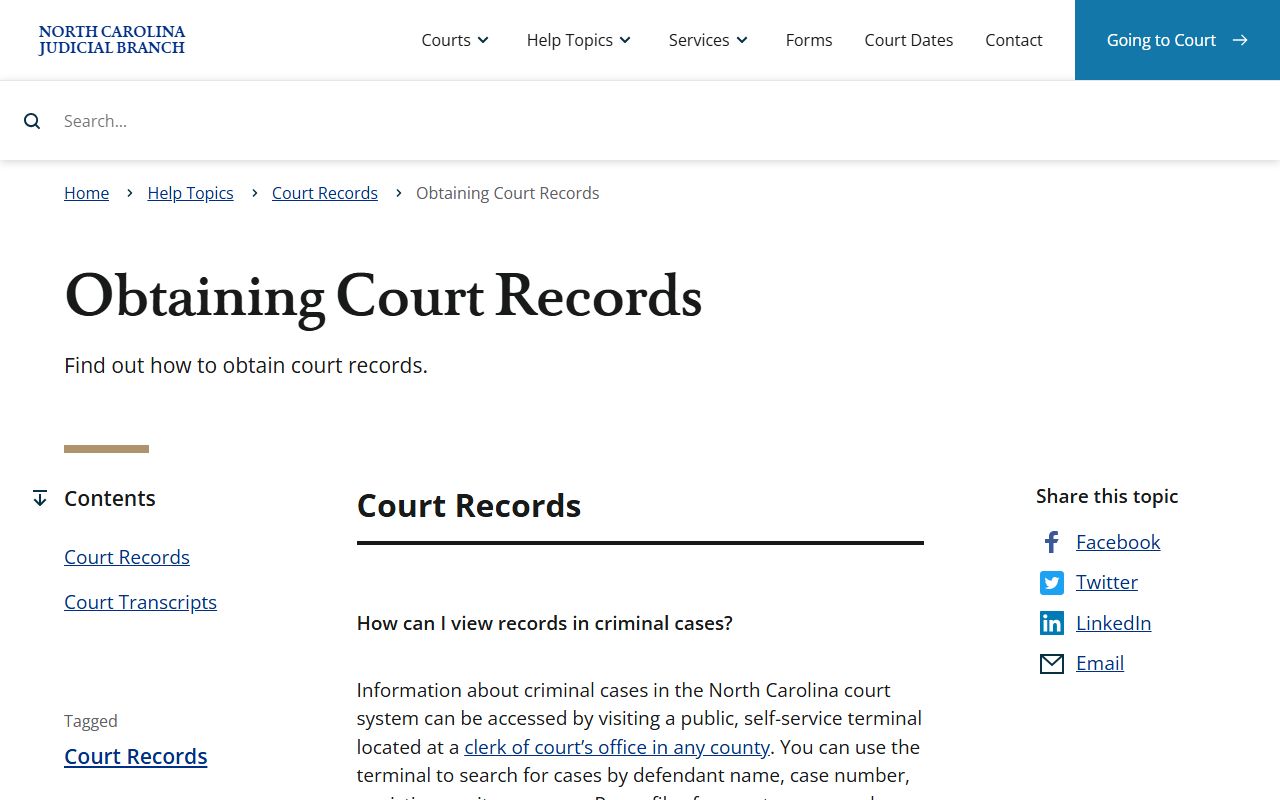
That state help topic supports the local search path: Portal first, public terminal or paper file review next, and the Chatham Clerk for copies tied to a specific county case.
Chatham County Court Records Fields
Smart Search can be broad or precise. A simple search uses one main text field for a record number or name. Advanced filters add Chatham County location, party details, case status, case type, filing dates, and identifiers such as FBI number, SO number, or booking number when those fields apply. Business-name searches require Advanced Filtering Options, General Options, and Business Name from the search-type dropdown. If the business name contains a comma, the research notes say to use an asterisk in place of the comma and stop there.
| Field Label | Type | Required | Notes / Format |
|---|---|---|---|
| Enter a Record Number or Name in Last, First Middle Suffix Format | Text | Yes | Use a case number, record number, or name. Case-number wildcard searches need at least four characters. |
| Enter a Last Name | Text | Conditional | For wildcard names, use at least three last-name characters plus an asterisk. |
| Enter a First Name | Text | Conditional | For wildcard names, use at least one first-name character plus an asterisk. |
| Filter by Location | Dropdown | Required if used | Choose Chatham County from the North Carolina county list. |
| Filter by Search Type | Dropdown | Optional | Includes Party Name, Nickname, Business Name, and Sounds Like. |
| Filter by Case Type | Dropdown | Optional | Use when a civil, criminal, family, probate, or traffic case type is known. |
| Filter by File Date Start / End | Date | Optional | Limits results to a filing-date range. |
Portal search results can vary by access level. Anonymous public users may see less than registered or elevated-access users, and document access depends on the case type and public-access rules. If a needed Chatham County court record is not visible, use the courthouse terminal or call the Clerk rather than assuming no file exists.
Types of Chatham County Court Records
Chatham County court records come from several parts of North Carolina's unified state court system. Superior Court is the higher trial court for felony criminal cases, larger civil cases, serious jury-trial matters, and many appeals from District Court. District Court handles misdemeanors, infractions, traffic, domestic cases, custody, juvenile matters, domestic violence protective orders, and high-volume local case types. Magistrates handle small claims, summary ejectment, initial appearances, bond decisions, and certain criminal processes. The Siler City Town Hall Courtroom is also listed by the NC Judicial Branch as a Chatham court location, so some hearing notices may point there rather than Pittsboro.
For all-purpose case lookup, court records include more than the final judgment. A file may include complaints, petitions, citations, warrants or summonses, motions, orders, continuances, bonds, docket entries, judgments, sentences, liens, executions, foreclosures, partitions, and estate papers. Criminal case details can be followed more closely through Chatham County criminal court records, while the broad court records search remains the starting point for civil, probate, family, traffic, and mixed case searches.
- Criminal cases: felony and misdemeanor files may show charging papers, bond orders, pleas, judgments, sentences, probation, continuances, and dismissals.
- Civil cases: complaints, answers, motions, orders, judgments, liens, executions, foreclosures, partitions, and condemnations are handled through the Clerk.
- Family cases: divorce, custody, support, alimony, equitable distribution, protective orders, and mediation records may have public and restricted parts.
- Probate and estates: wills, inventories, estate administration, guardianships, and special proceedings are handled by the Clerk of Superior Court in a probate role.
- Traffic and infractions: citations, waivers, payment status, court dates, convictions, dismissals, and failure-to-appear events are court records, not DMV driver records.
What Chatham County Court Records Show
North Carolina case numbers often begin with the last two digits of the year in which the person was charged or the case was filed. The court record may show the county, division, parties, lawyers, event history, hearing settings, courtroom or calendar assignment, judgments, financial obligations, and a status or disposition field. Portal and courthouse terminals may show different levels of detail because some files are paper, some documents are restricted, and some online document access depends on user status.
| Field | What It Shows |
|---|---|
| Case Number | The unique court number, often tied to filing year and case type. |
| Party Name | The plaintiff, defendant, petitioner, respondent, or State of North Carolina. |
| Charge or Claim | The alleged offense, infraction, civil claim, petition, or requested relief. |
| Docket Entry | A dated case event, such as a motion filed, hearing set, order entered, or service returned. |
| Disposition | An interim or final result, such as dismissed, guilty, responsible, not guilty, deferred, or disposed. |
| Judgment | The court's final order imposing relief, sentence, costs, payment, or another outcome. |
The NC criminal background check help topic is a separate channel for certified statewide criminal-history searches.
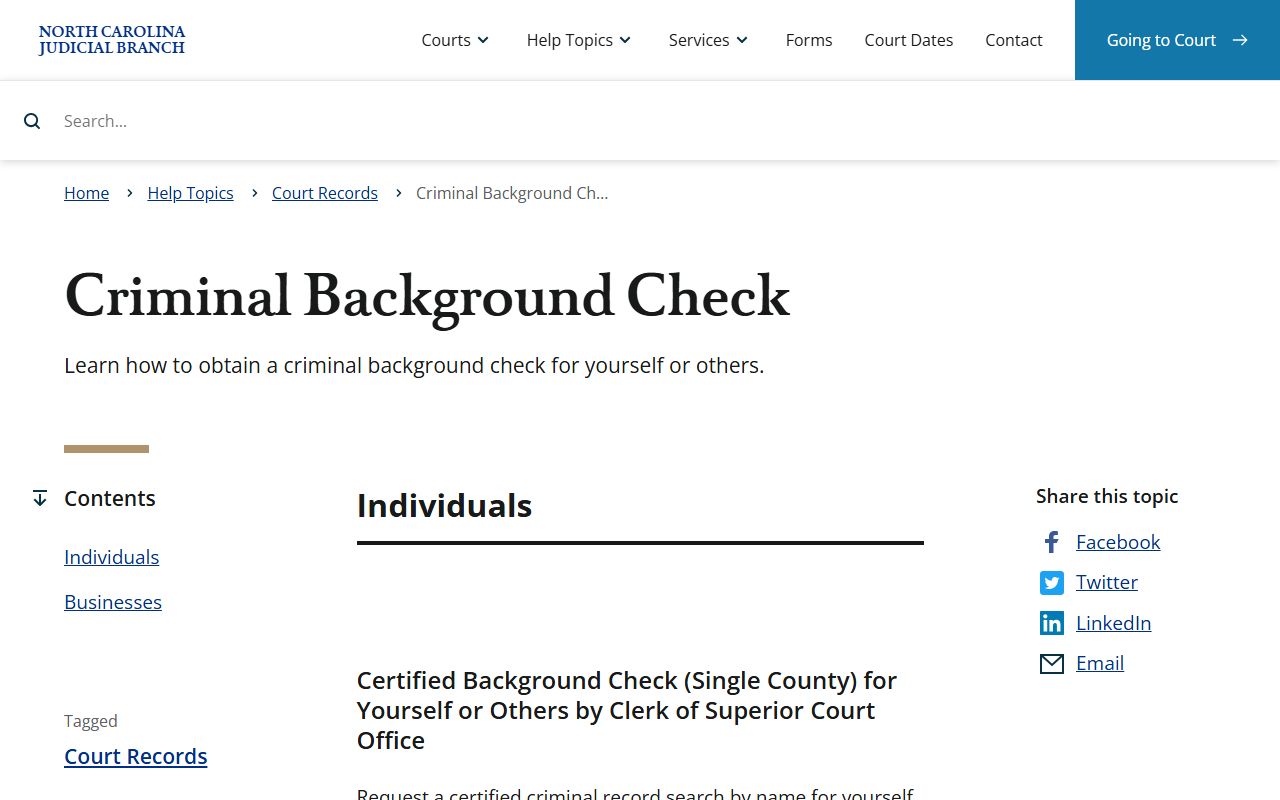
That source helps separate ordinary Chatham case lookup from a formal background-check process, which may require certified search steps rather than a Portal screen.
Chatham County Court Records Access
Public access to Chatham County court records rests on both general public-records law and court-specific record rules. N.C. Gen. Stat. § 132-1 defines public records broadly. N.C. Gen. Stat. § 132-6 requires inspection at reasonable times and copies as promptly as possible after lawful fees are paid. N.C. Gen. Stat. § 7A-109 requires clerks to keep court records, files, dockets, and indexes public during regular office hours unless the law says otherwise.
Access channels should be kept separate. Current public case information goes through Smart Search. Hearing dates go through Search Hearings and Chatham local administrative schedules. Paper files, older Chatham files, estate files, and certified copies go through the Clerk of Superior Court. Sheriff's incident reports are routed through the Sheriff's Office. Birth, death, marriage, plats, deeds, and subdivision covenants go through the Register of Deeds. The Chatham County public records form is a fallback for existing county administrative records that are not handled by one of those offices.
Note: Court documents are requested from the Clerk of Superior Court, not through the county's general records request form.
N.C. Gen. Stat. § 132-1 is one of the legal sources assigned to Chatham County court records in the image manifest.
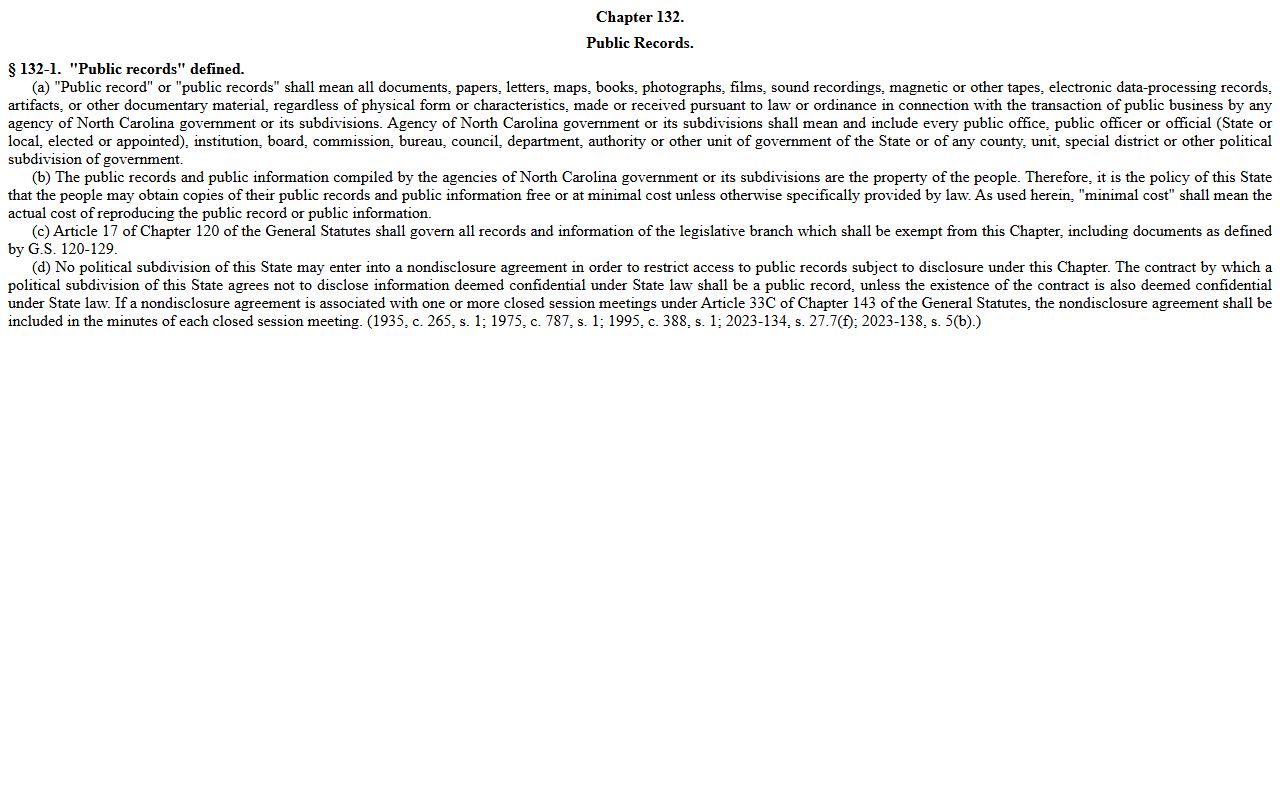
The statute source supports the broader access rule, while the court-record statute and Clerk procedures control how local case files are inspected or copied.
Restricted Chatham County Court Records
Not every Chatham County court record is open through Portal or a public terminal. Juvenile court records are the clearest restricted category under N.C. Gen. Stat. § 7B-3000. Juvenile delinquency and undisciplined records are maintained by the clerk but are not ordinary public files. Adoption, mental health, guardianship, sealed records, expunged records, minor names, protected domestic violence safety information, and sensitive medical or financial data can also be withheld, sealed, or redacted.
Expunction is not the same as a dismissal. North Carolina's expunction statutes can clear eligible public record entries after a court order, but eligibility depends on the charge, disposition, waiting period, age, and prior record. A person checking an older Chatham County case should identify the exact case number, charge, and disposition before reviewing expunction forms or asking the Clerk about the correct filing path. A sealed or expunged entry should not be described as available through an ordinary public search.
Chatham County Court Record Requests
For in-person Chatham County court records access, use the Chatham County Courthouse in Pittsboro. The NC Judicial Branch lists the courthouse at 40 E Chatham Street, Pittsboro, NC 27312, with mailing address PO Box 369, Pittsboro, NC 27312, main phone (919) 545-3500, and weekday public hours from 8:30 a.m. to 5:00 p.m. The Clerk of Superior Court is the point of contact for case files, public terminal searches, certified copies, and questions about which records can be viewed.
Clerk of Superior Court
Chatham County Courthouse
40 E Chatham Street
Pittsboro, NC 27312
(919) 545-3500
Monday-Friday, 8:30 a.m.-5:00 p.m.
Copies may involve lawful fees, and the research did not locate a Chatham-specific per-page court copy fee schedule. For mail requests, call the Clerk before sending payment or documents because the official Chatham payment page describes mail payment rules for court fees and citations, not a complete copy-by-mail process for every record type.